How to add a new product to the shop
8 steps · Updated Oct 16, 2026
Follow this to list a new plant or accessory. New products appear in the shop as soon as you save them with the status set to Active.
Step 1: Go to admin.fernleaf.example
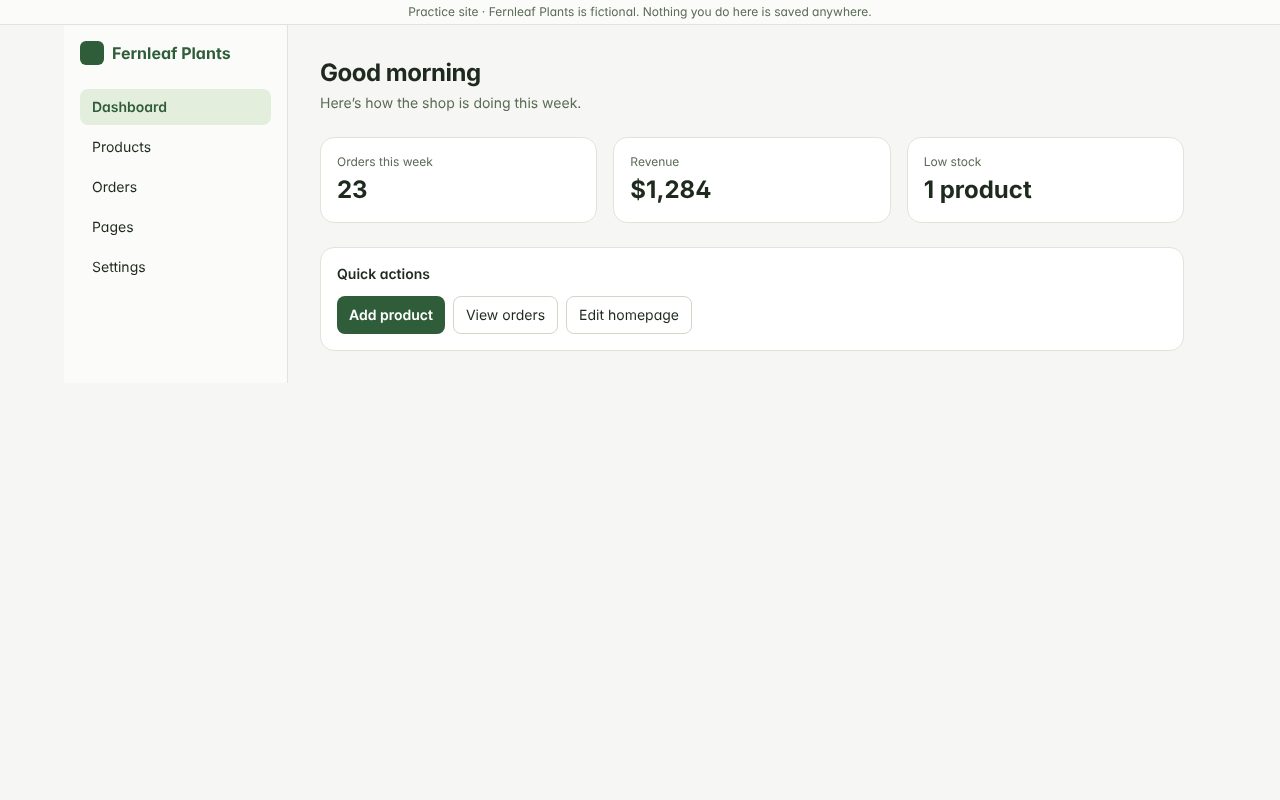
Step 2: Click "Products" in the left menu
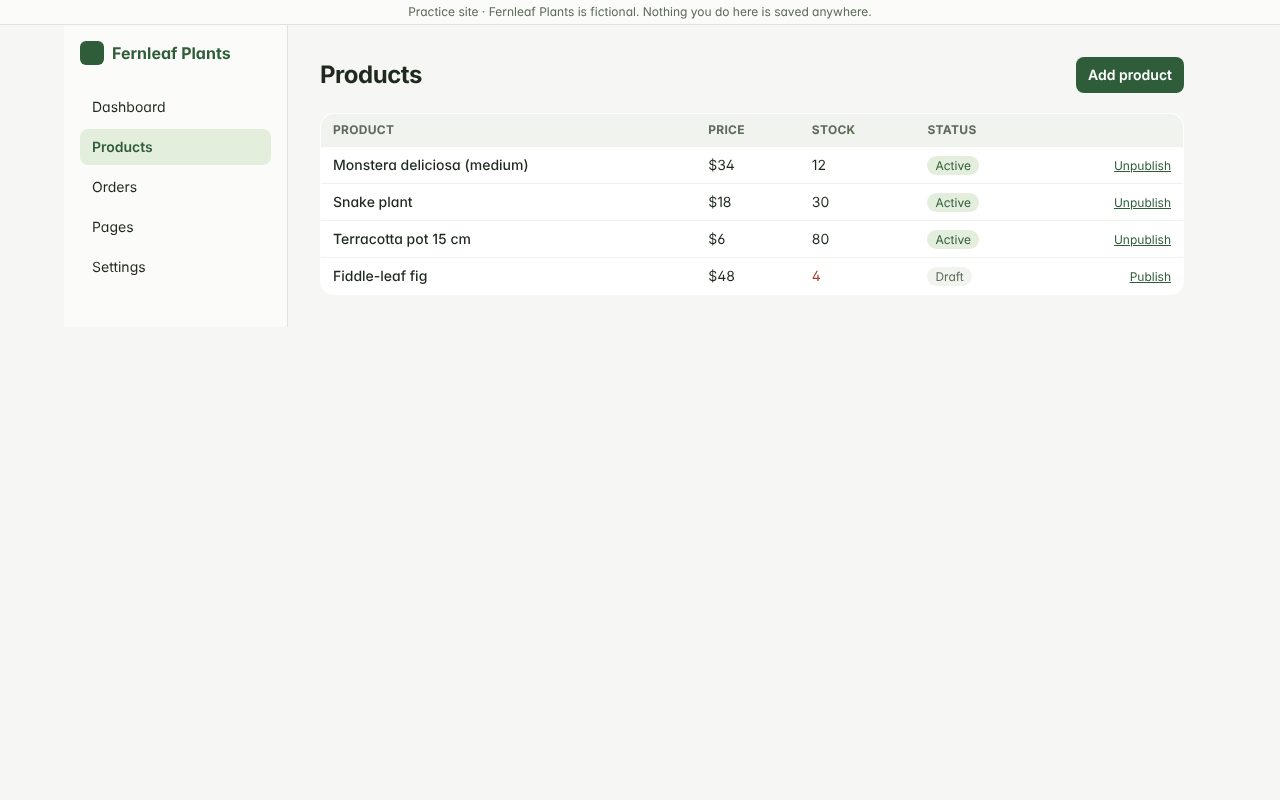
Step 3: Click "Add product"
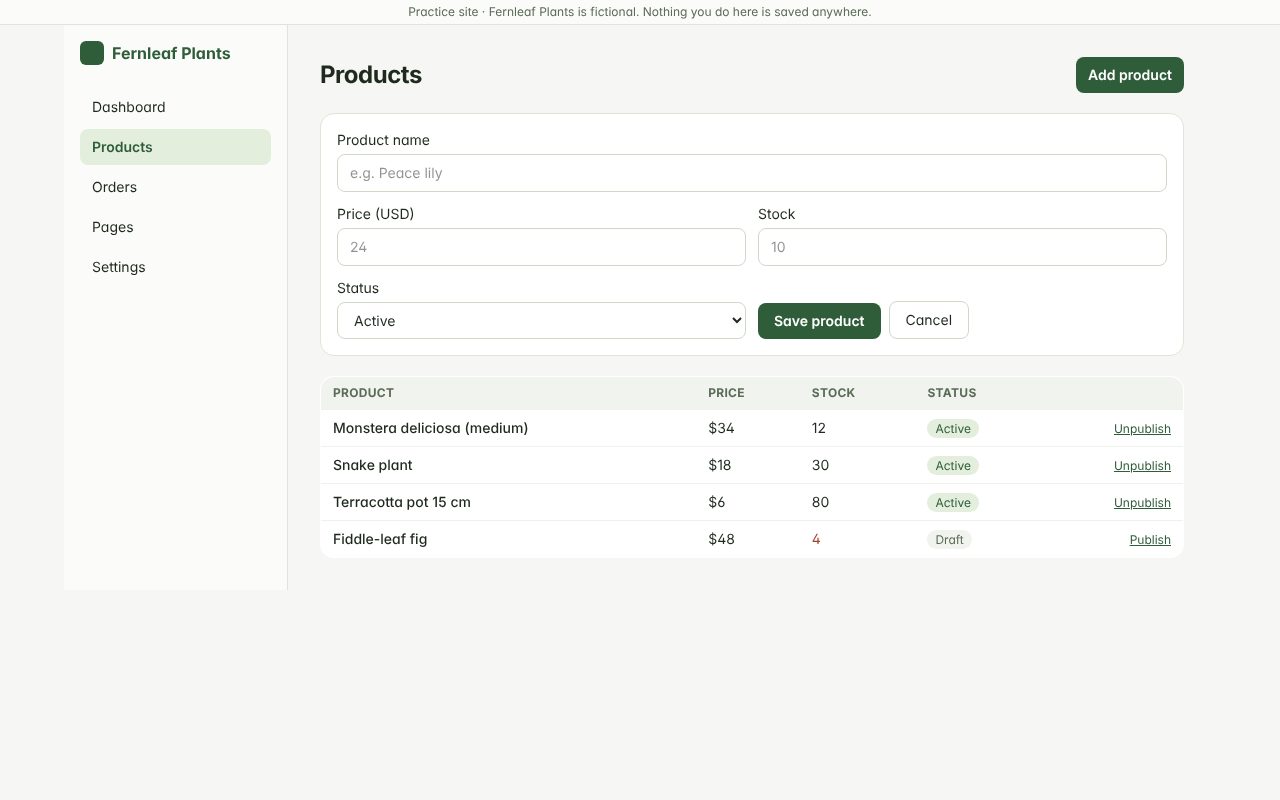
Step 4: Enter the product name
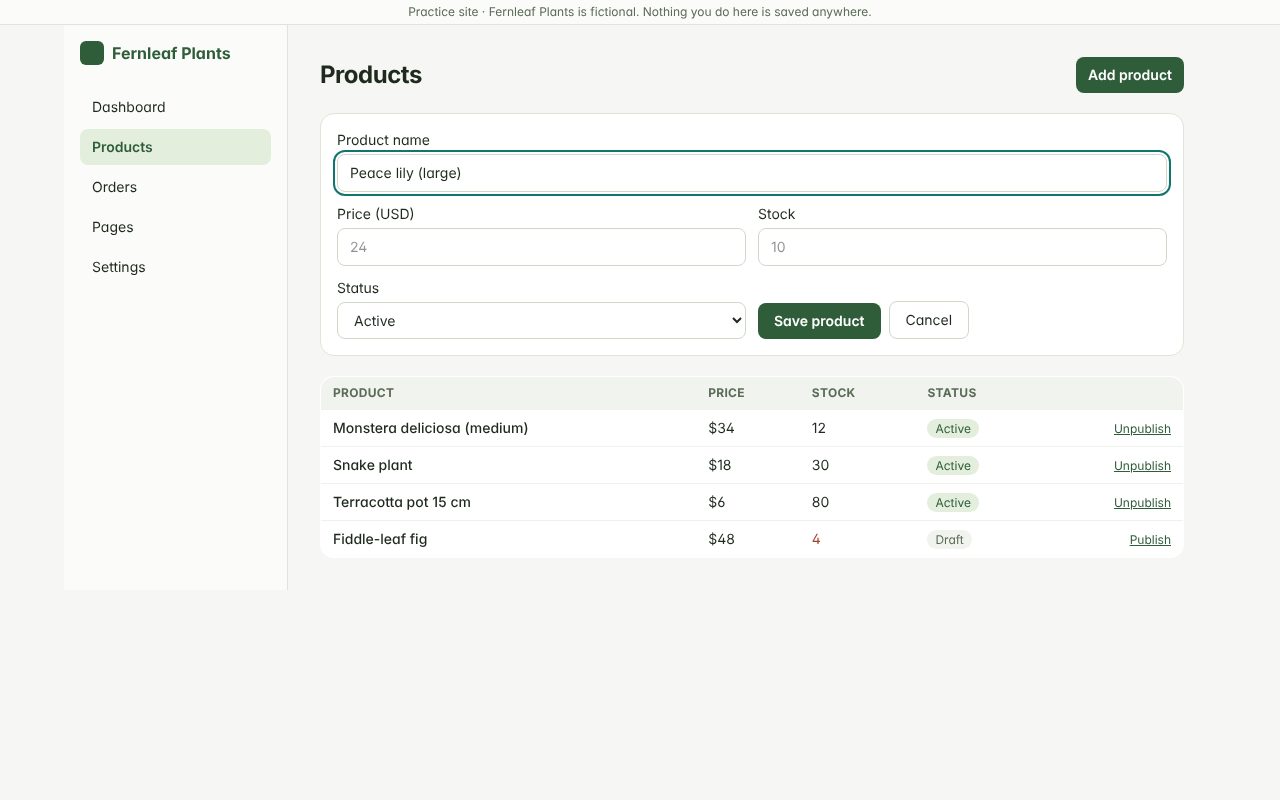
Step 5: Enter the price in US dollars
Numbers only — no currency symbol.
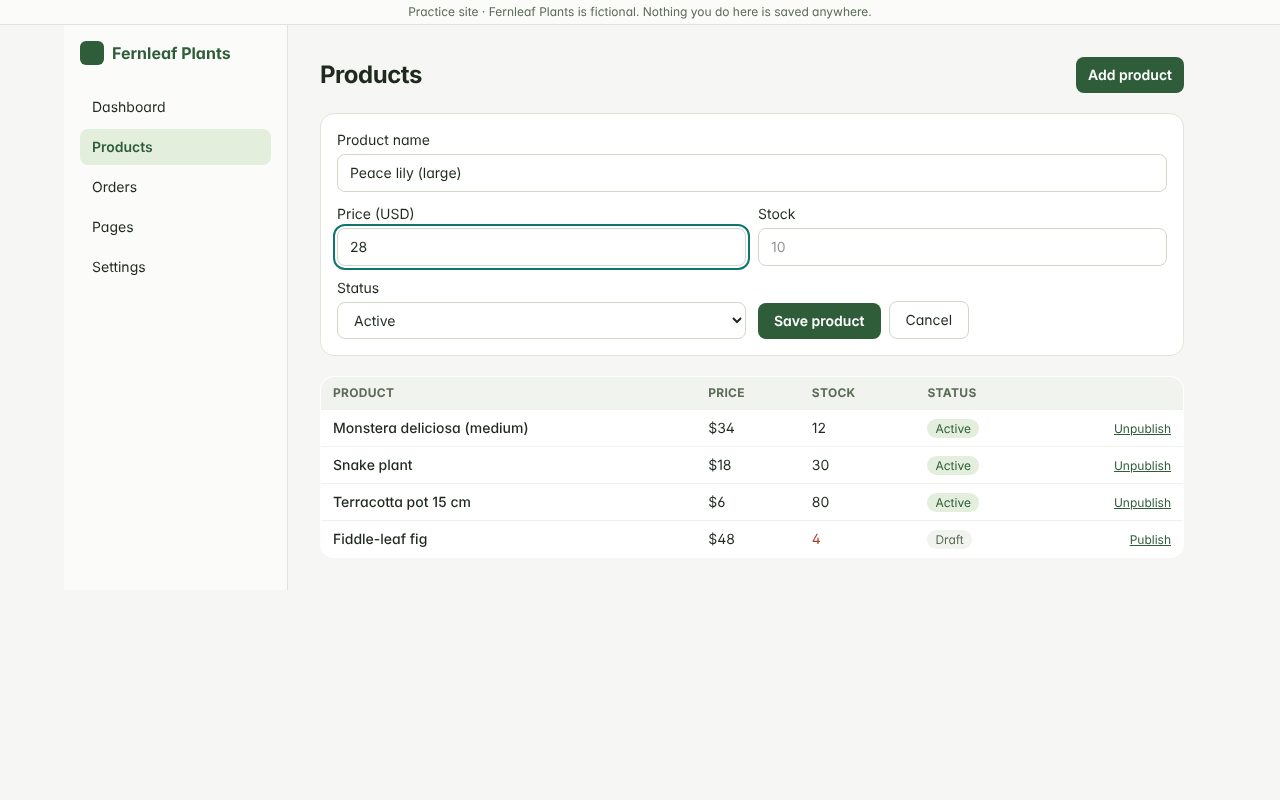
Step 6: Enter how many you have in stock
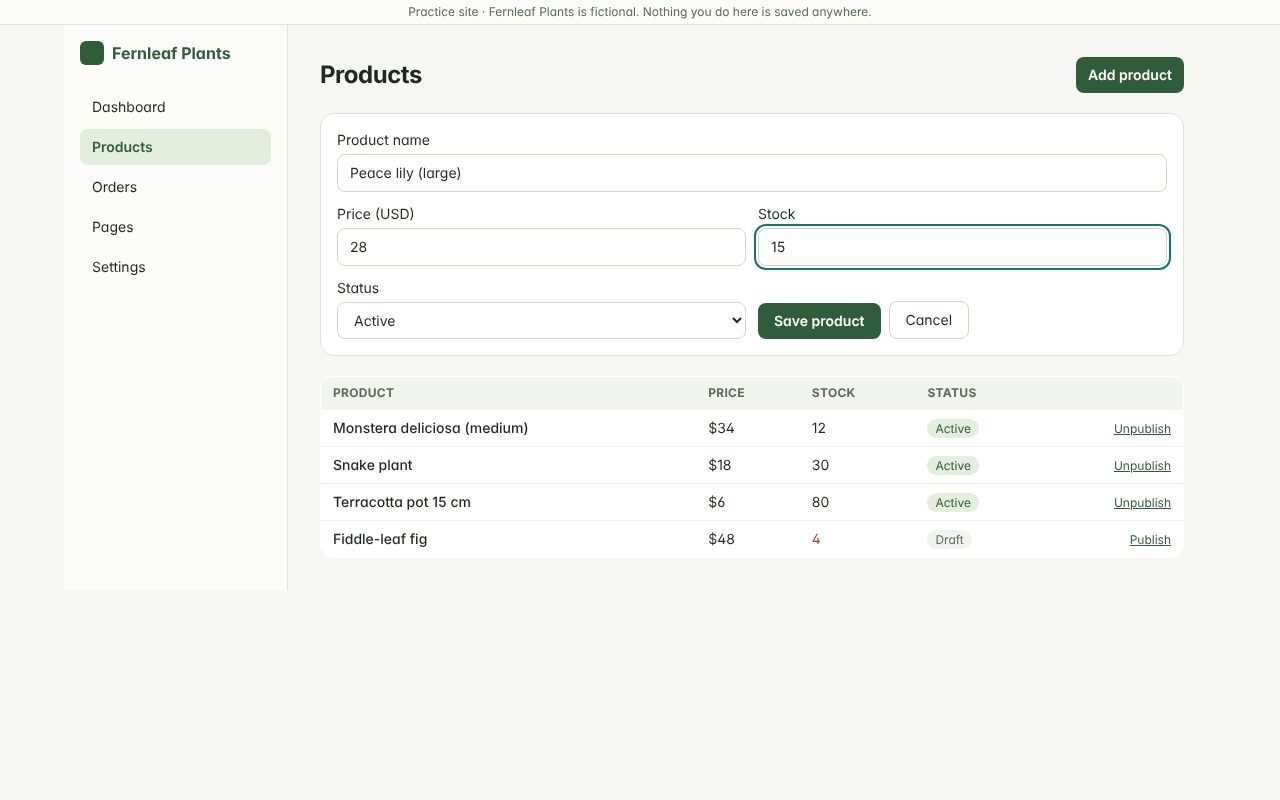
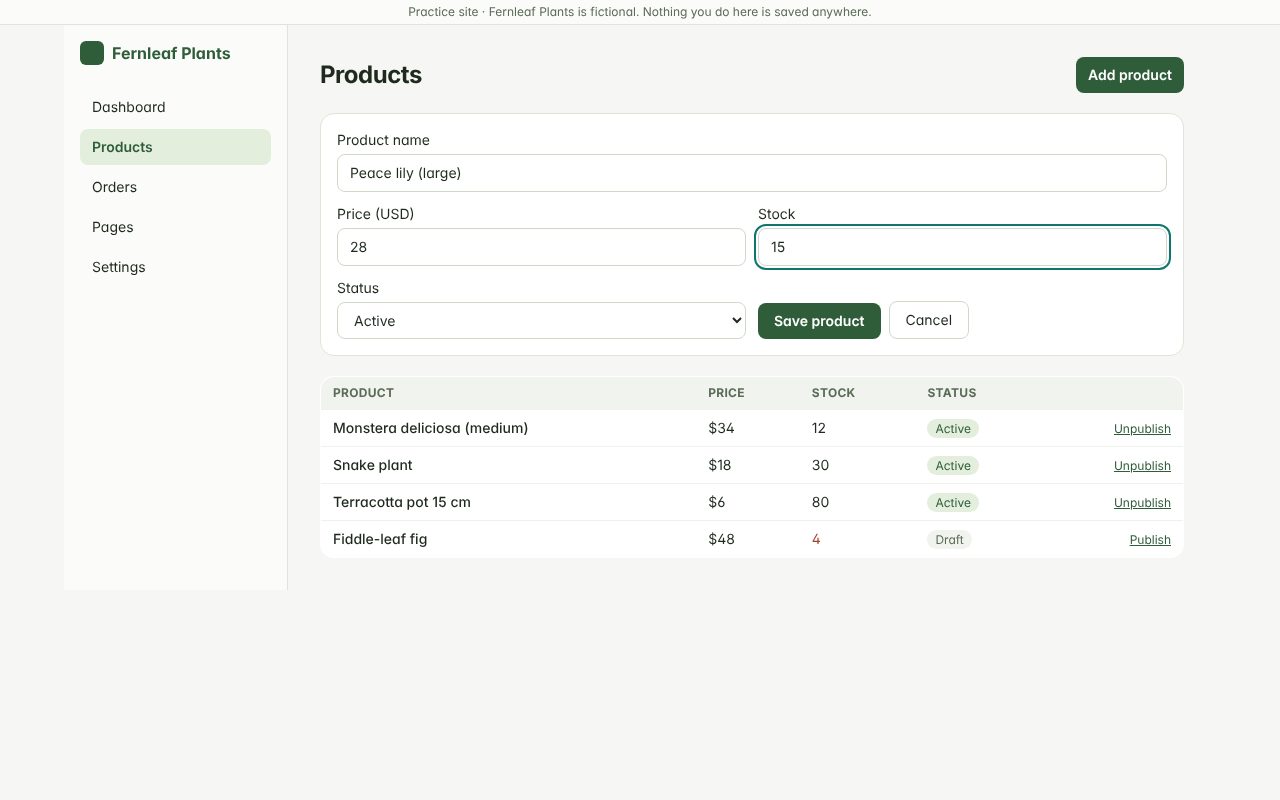
Step 7: Click "Save product"
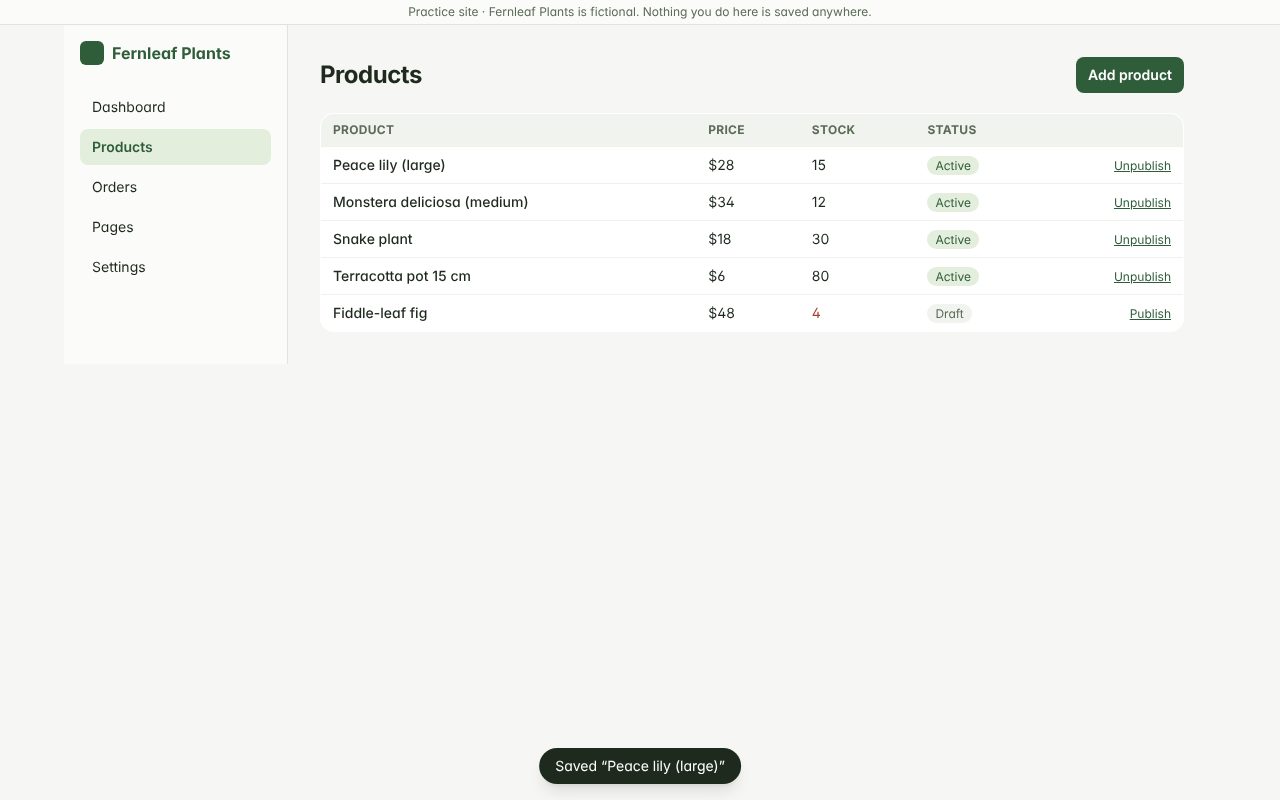
Step 8: The product appears at the top of the list
1 — the new product · 2 — use Unpublish here if you need to hide it later.
When you’re done
Search for the product on the shop to make sure it shows with the right price. Set Status to Draft if it’s not ready to sell yet.