Chrome workflow recorder for client handover
Do it once. Share a clear guide.
Record a browser task, get numbered steps with screenshots, redact what’s private, and send a link or PDF your client can follow without calling you.
Free plan, no credit card. Recording works in desktop Chrome; reading works anywhere.
Good morning
Here’s how the shop is doing this week.
Orders this week
23
Revenue
$1,284
Low stock
1 product
Guide ready
How to add a product
4 steps · 4 screenshots · nothing uploaded yet
- ✓
Nothing uploads until you save
Recordings land on your device first. Review every screenshot before anything leaves it.
- ✓
Passwords are never captured
Only the field’s name is recorded — never what you typed. Token-like URLs are stripped.
- ✓
Redaction rewrites the pixels
The original image is deleted. There is no hidden layer to peel off.
- ✓
Honest limits, in USD
Free for 3 guides. Solo $7, Team $15. Cancel any time; your guides stay exportable.
Three steps from “let me show you” to a guide they can keep
- RecordingSave
Record
Press Start in the Chrome extension and do the task as you normally would. Every meaningful click becomes a step with a screenshot. Pause whenever you need to.
What the extension can and can't see - NumberArrowTextRedact
Edit
The recording opens in the editor on your device — nothing is uploaded yet. Fix the wording, reorder steps, add numbers, arrows and notes, and redact or blur anything private.
See the editor in detail Who can open this
Only mescreenmate.ai/g/…RevokeShare
Add your logo and colour, then export a PDF or Markdown, or share a link your client can open on any device. Revoke the link whenever you like.
How client handover works
Everything a handover guide needs, nothing you have to learn
Instructions written for you
Each step gets a first draft from the button or field you used, ready to edit. Typing into a field becomes one step; passwords are never read.
Pixels rewritten · original deleted
Redaction that can't be peeled off
Redact or blur account numbers and names. The pixels are rewritten and the original is deleted from your device and from our storage.
Numbers, arrows, highlights, notes
Point at exactly the thing to click, in your choice of colour. Drag to move, undo with Ctrl+Z, crop to the part that matters.
Your brand on every guide
Logo, colour and no ScreenMate footer on Solo and Team. The same look on the web page and in the PDF.
# How to add a product
1. Click **Products**

PDF for email, Markdown for your wiki
A clean multi-page PDF with numbered steps, or Markdown with the image files — annotations baked into both.
Links you control
New guides are private. Unlisted links can be revoked and re-issued; search-engine indexing is a separate opt-in.
The guides you keep rewriting in emails, done once
Real recordings of our fictional practice shop, Fernleaf Plants. Open one — it’s exactly what your client would receive.
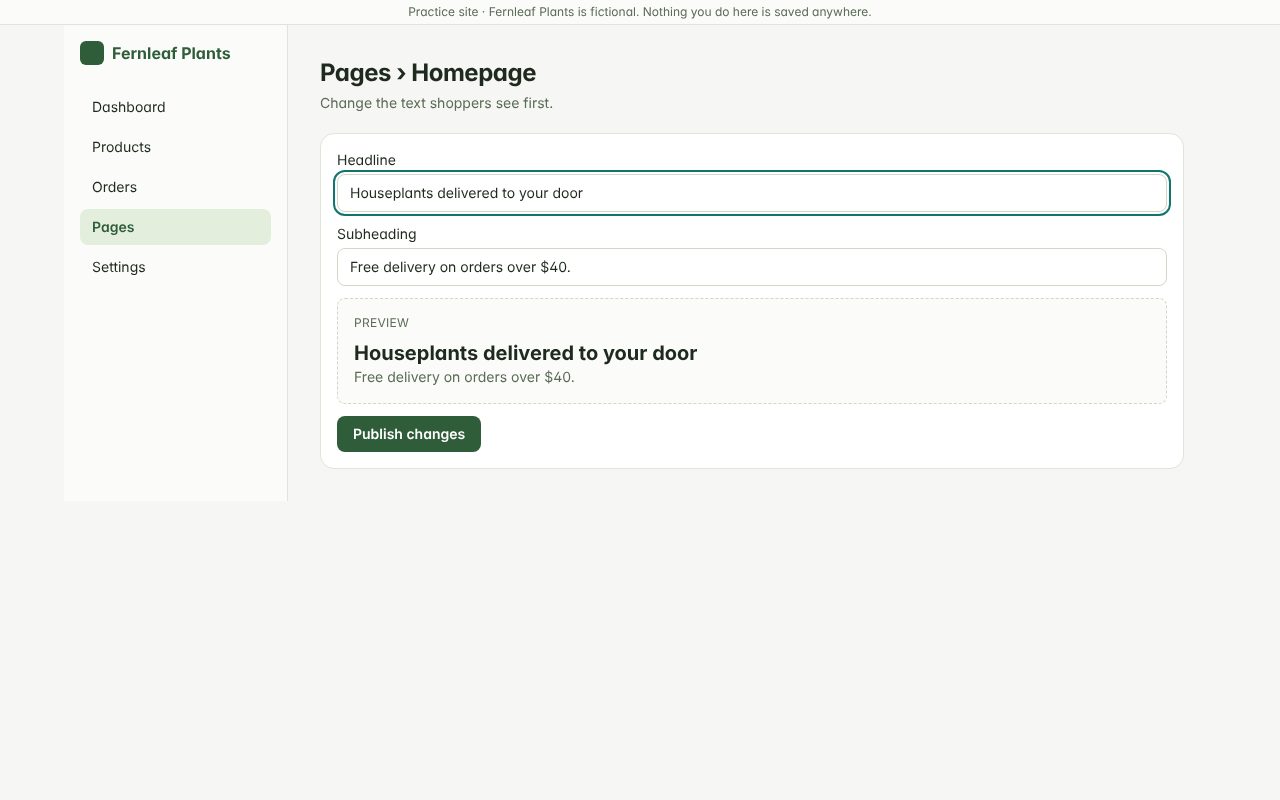
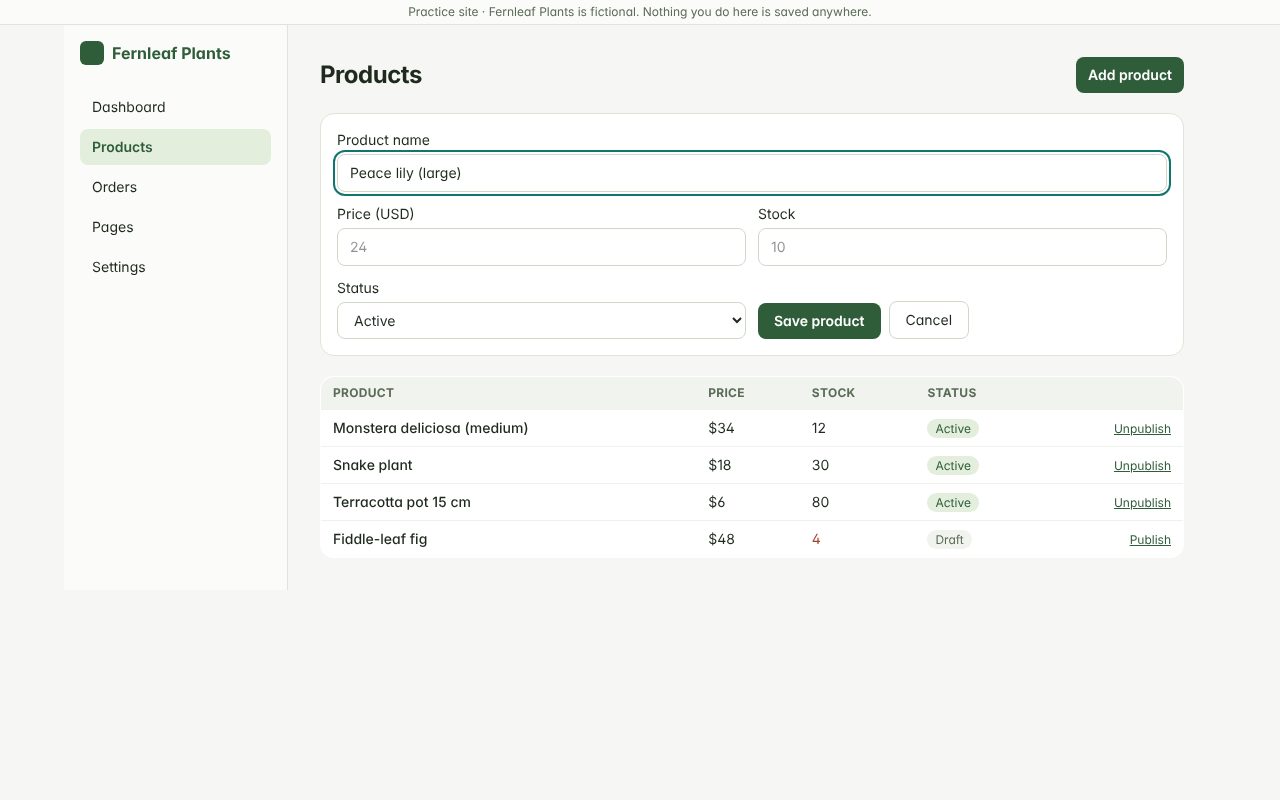
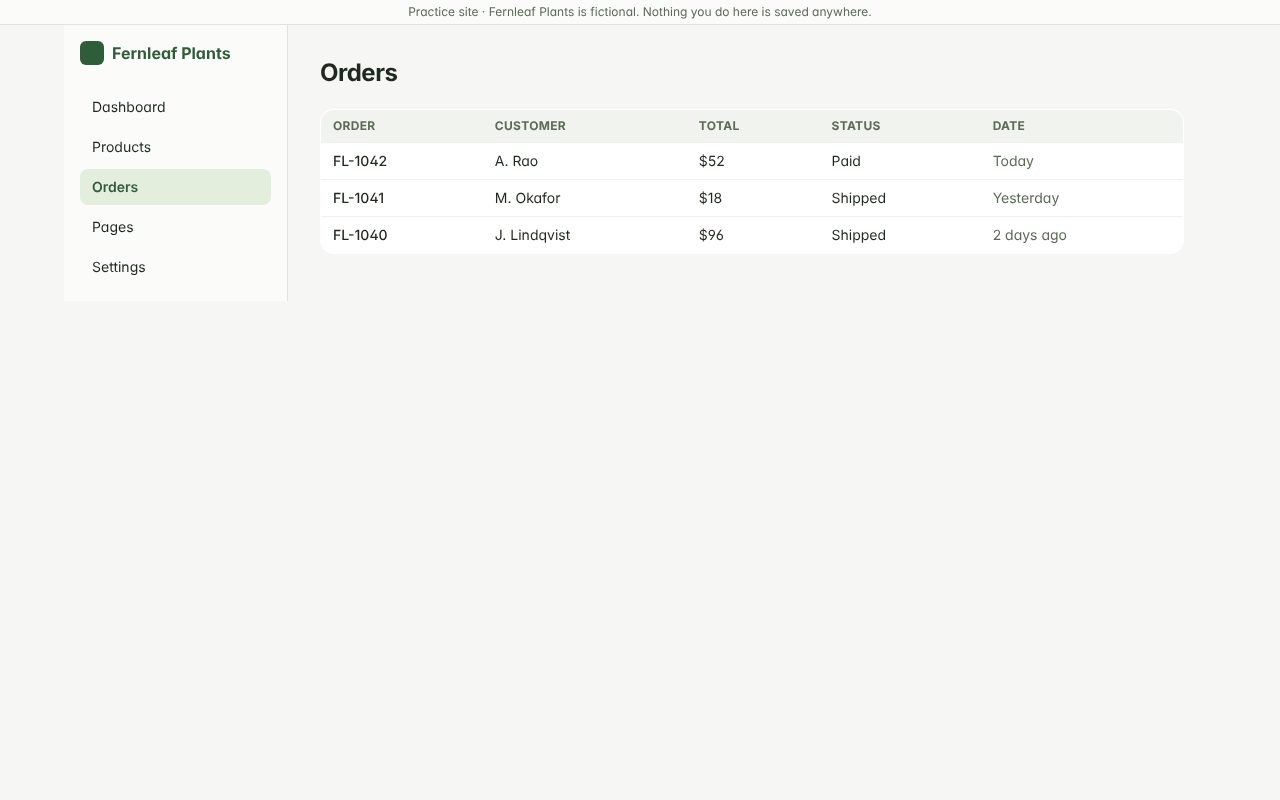
Approving reviews, paying an invoice, updating opening hours — anything you keep explaining in the client’s own tools. All examples
Transparent pricing, in US dollars
Start free. Pay only when you need more guides, your own branding or a team.
Free
Try the full recording flow with a few guides.
Free
- 1 creator
- 3 stored guides
- Up to 25 steps per guide
- Basic editing and privacy controls
- PDF export with ScreenMate branding
- Unlisted sharing links
- 5 AI actions per month
- 100 MB storage
Solo
For freelancersFor freelancers handing work over to clients.
$7 / month
or $70 billed yearly(equivalent to $5.83 per month)
- 1 creator
- 30 new guides per month
- Up to 100 stored guides
- Up to 100 steps per guide
- Your logo and brand colour
- No ScreenMate branding on exports
- PDF and Markdown exports
- Client folders and reusable templates
- 50 AI actions per month
- 1 GB storage
Team
For small agencies documenting work together.
$15 / month
or $150 billed yearly(equivalent to $12.50 per month)
- 3 creators
- 100 new guides per month
- Up to 500 stored guides
- Up to 100 steps per guide
- Everything in Solo
- Shared workspace with owner and member roles
- 150 AI actions per month
- 5 GB shared storage
All prices in US dollars. Applicable taxes are shown before you pay. Payment methods and countries depend on our payment provider; checkout shows the exact currency and amount.
A simple alternative — not a replacement for everything
Scribe, Tango, Dubble and Guidde are established tools, several with desktop capture, video output and enterprise features ScreenMate doesn’t have. ScreenMate is browser-only and aimed at freelancers and small agencies who want branded client guides on a small budget. Dubble’s free plan in particular is generous; we say so on the comparison page.
ScreenMate is independent and not affiliated with any of these products.
Frequently asked
What exactly gets recorded?
Only while you're recording: the clicks you make, the name of the field you typed in (never what you typed), and a screenshot of the visible page at each step. Passwords and keystrokes are never captured, and query strings that look like tokens are removed from stored page addresses.
Do I need to install anything?
Yes — a Chrome extension does the recording. It only asks Chrome for access to a website when you press Start there. The editor, exports and sharing run on this website, and readers need nothing at all.
Can I record desktop apps or every website?
No. ScreenMate records ordinary web pages in a Chrome tab. Chrome's own settings pages, the Chrome Web Store, local files and other extensions can't be recorded, and some embedded frames may not register clicks. Desktop applications are out of scope.
Does redaction really remove the data?
Yes. Redaction and blur are painted into the image pixels and the original is deleted from your device and our storage. They are not layers that someone could hide.
What happens to my guides if I cancel?
You drop back to the Free limits. For 30 days everything stays exportable; after that, guides above the Free allowance become read-only with sharing disabled, and are deleted 60 days later. Your dashboard shows the exact dates, and we email the workspace owner a week before deletion.
Can my client read the guide on a phone?
Yes. Shared guides are responsive web pages and PDFs open anywhere. Only recording needs desktop Chrome.
More in the help centre.
Record your first guide in the next two minutes
Install the extension, press Start on any site you already use, and see the steps write themselves.