Weekly check: orders and notification settings
6 steps · Updated Oct 16, 2026
A five-minute Monday routine. You’re checking that orders are flowing and that you still get an email for each one.
Step 1: Go to admin.fernleaf.example
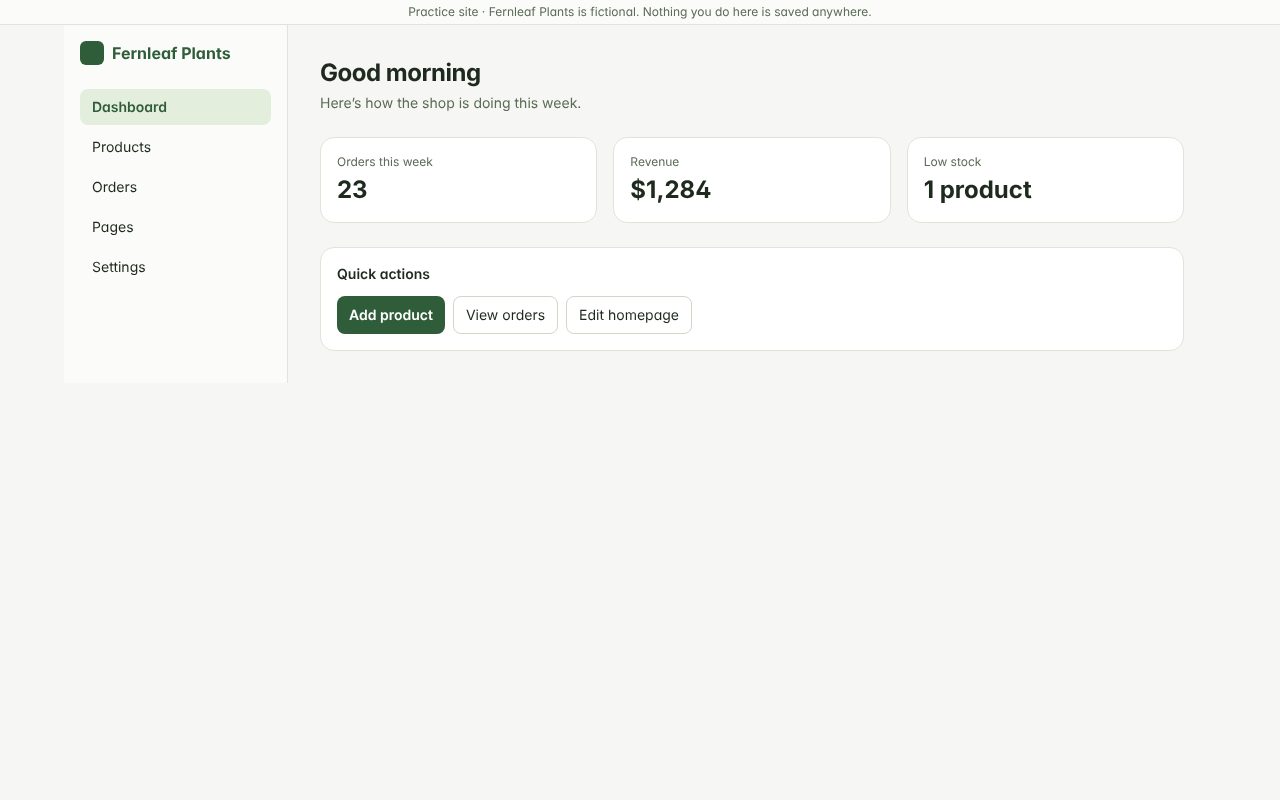
Step 2: Click "Orders"
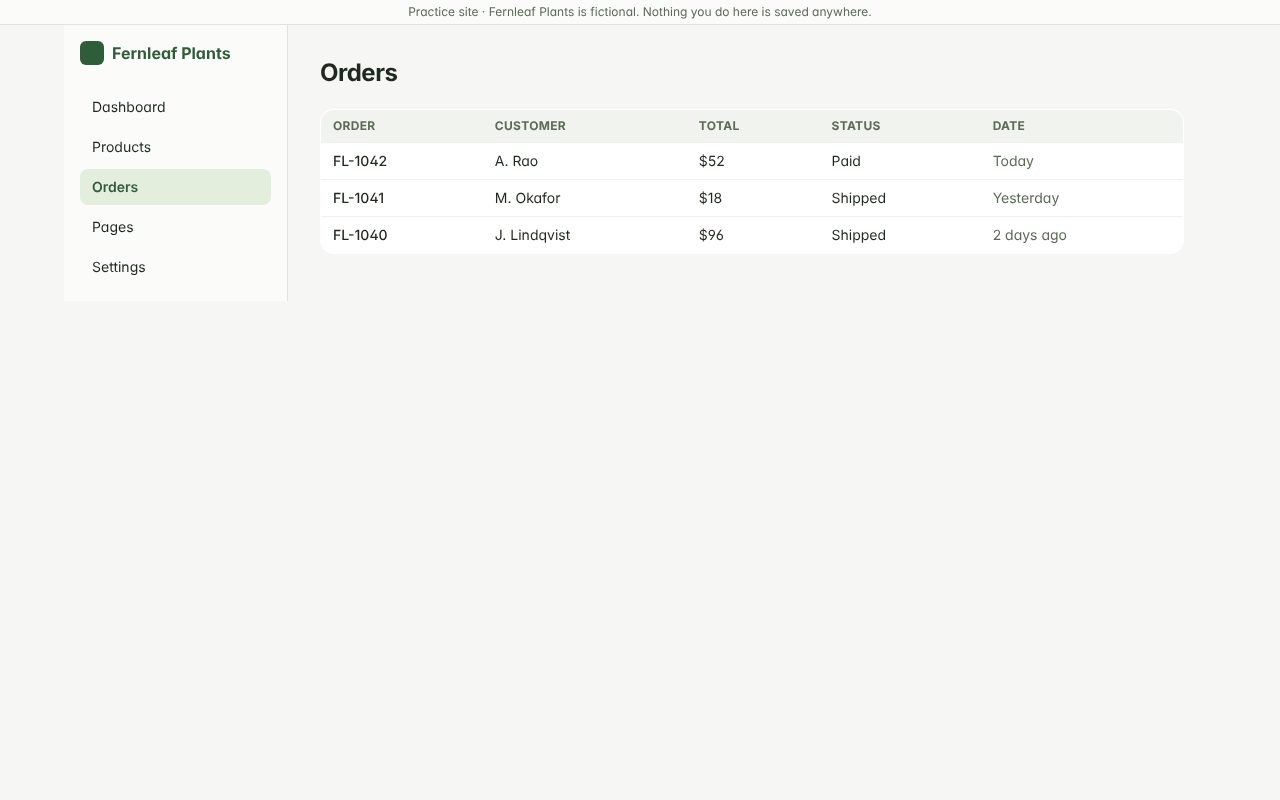
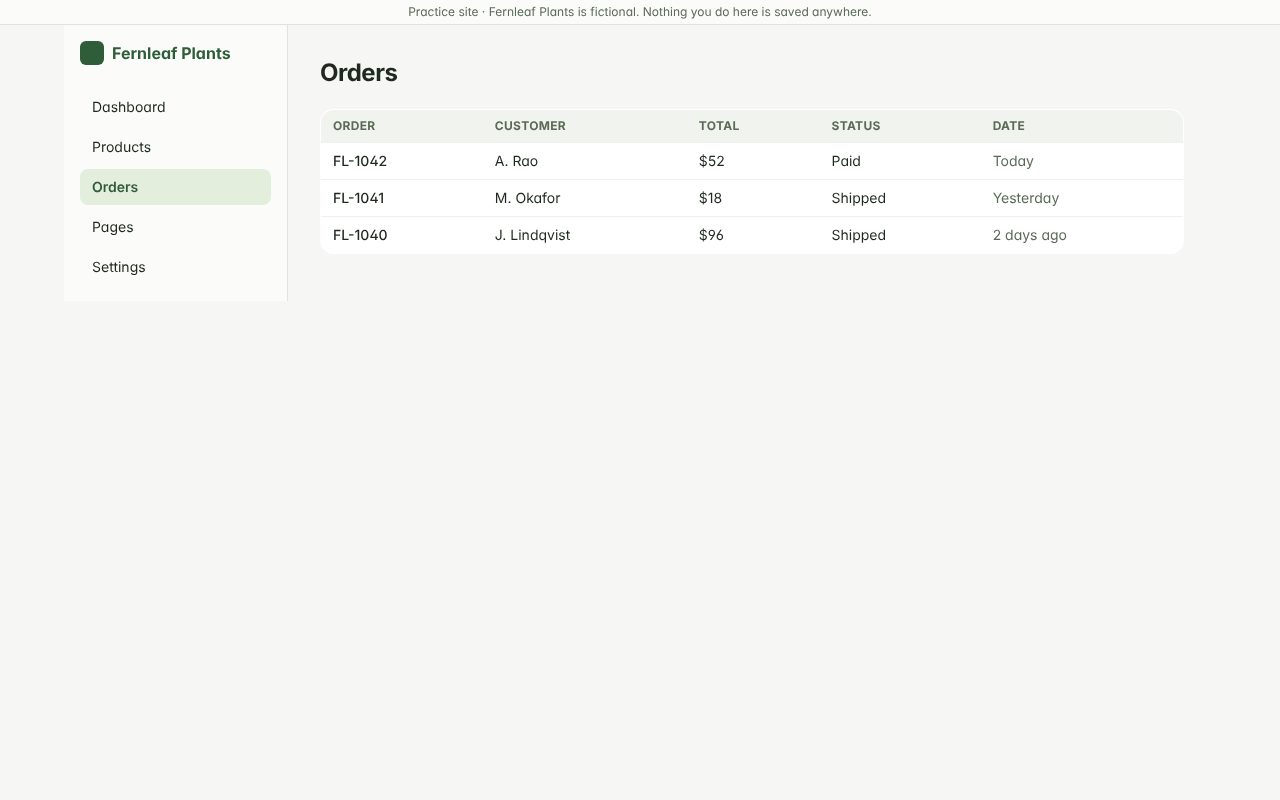
Step 3: Scan the Status column for orders stuck on Paid
Step 4: Click "Settings"
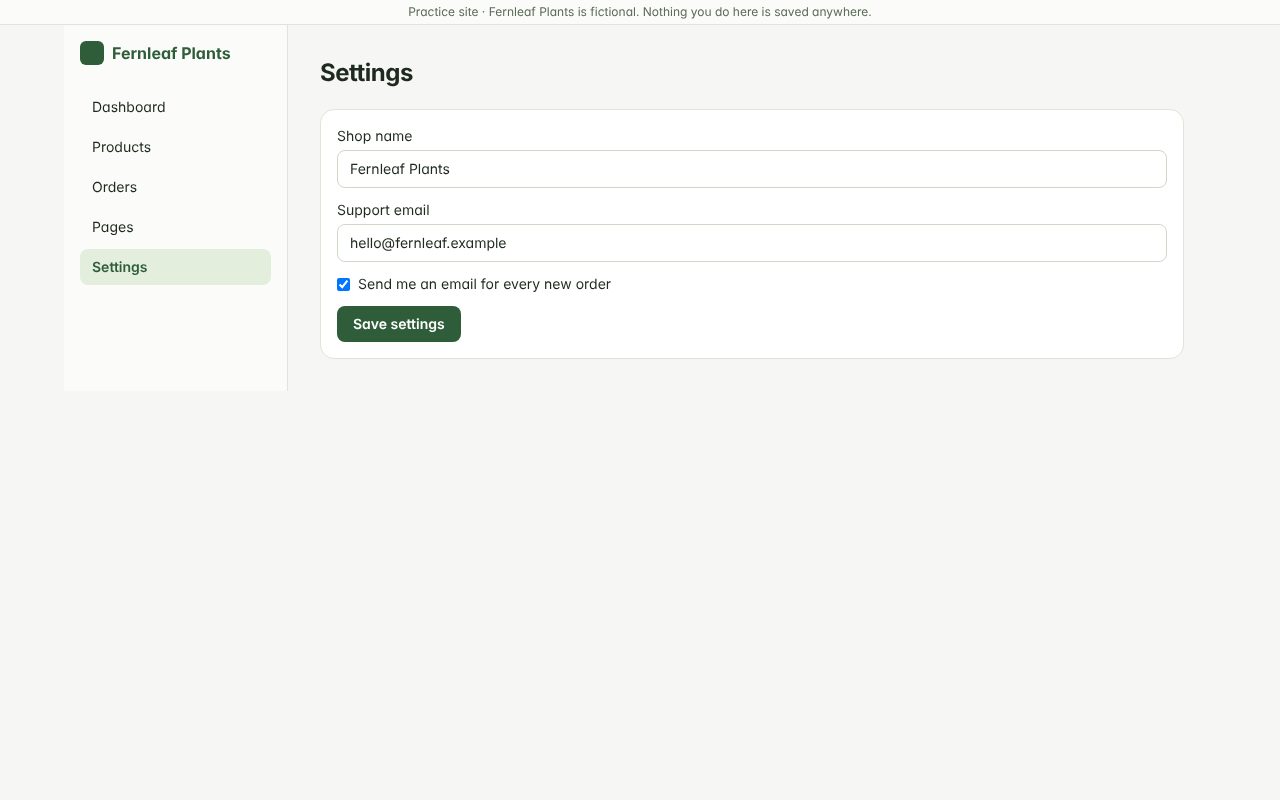
Step 5: Make sure “Send me an email for every new order” is ticked
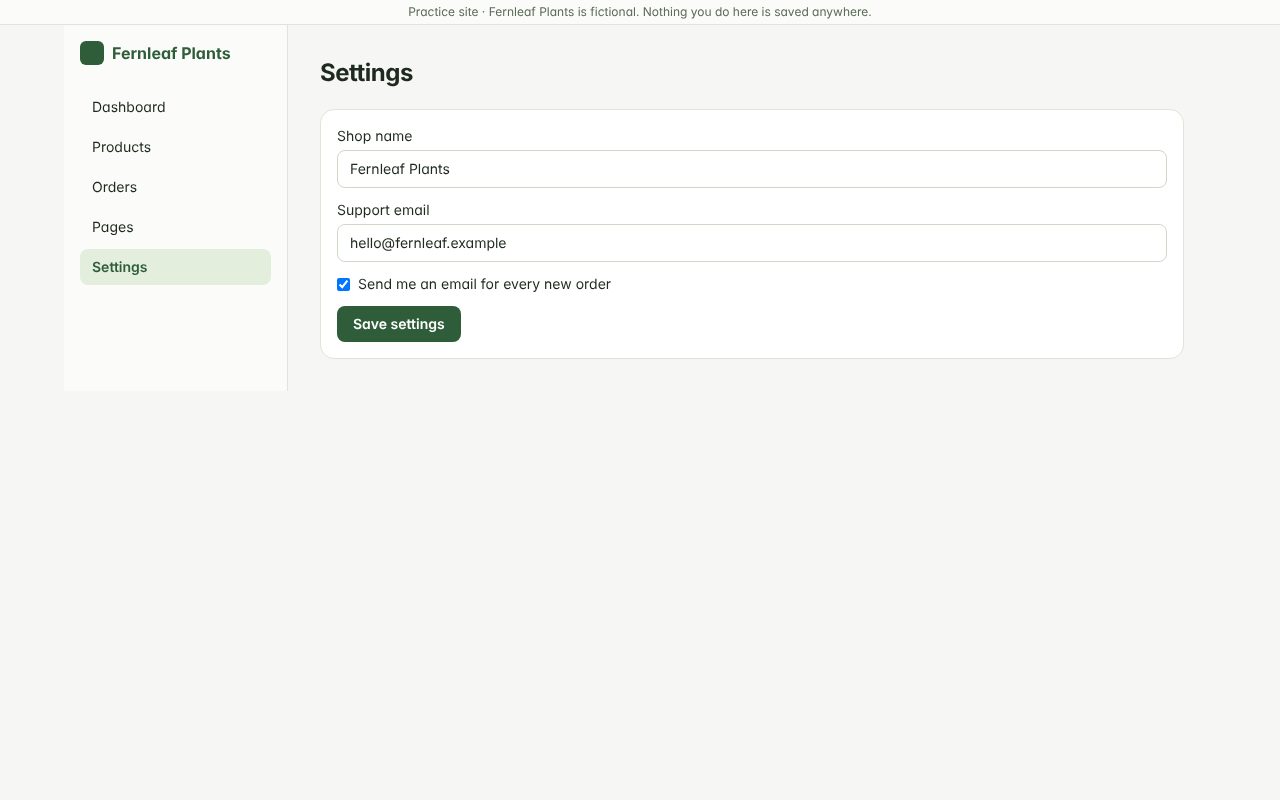
Step 6: Click "Save settings"
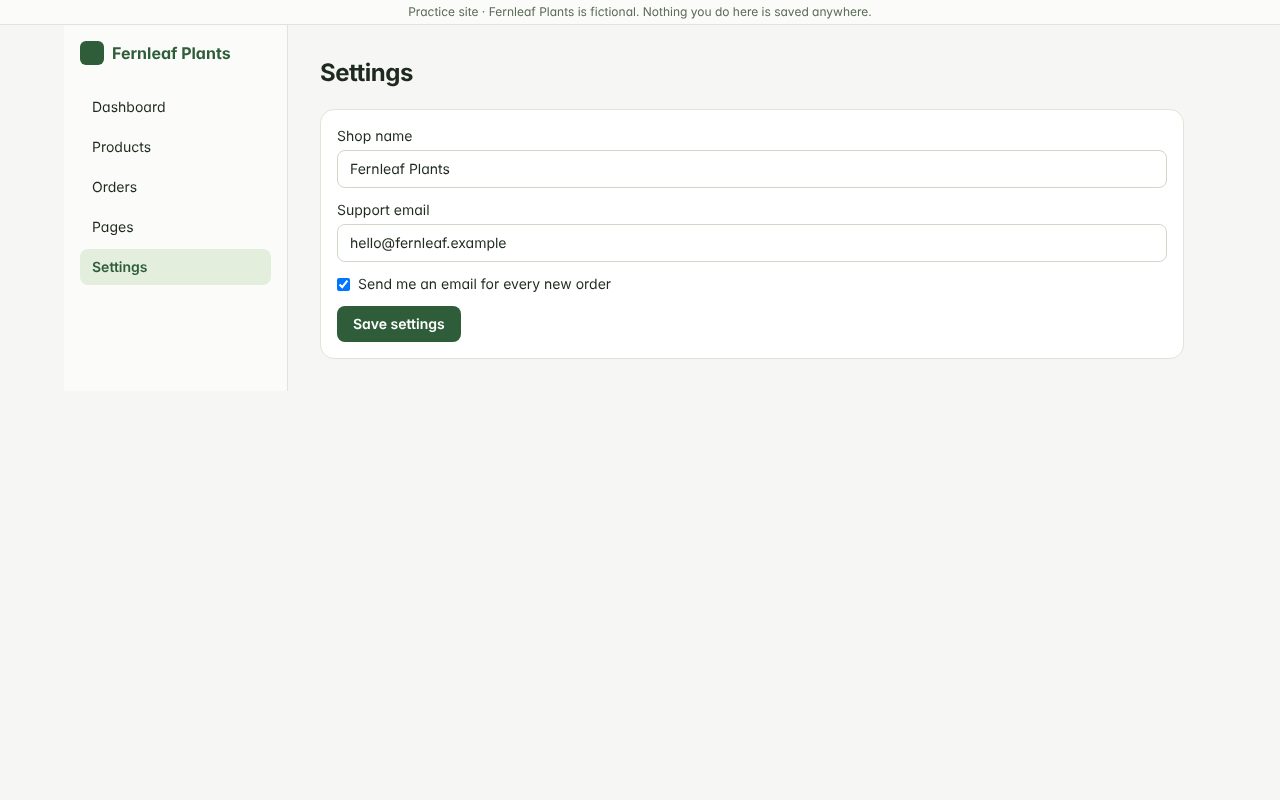
When you’re done
If an order has been “Paid” for more than two days without moving to “Shipped”, contact the warehouse. If notifications were off, turn them on and save.